
Everything in one install
What Drift Click does, in full.
Your library
Movies, shows, music, audiobooks
Point it at your folders and it sorts them out, with posters, plots, ratings and cast.
Music that looks itself up
Artist photos, bios, album covers and lyrics, found online when you switch it on.
Concerts
DVD rips are looked up like movies and kept under Music.
Collections and recently added
Box sets, what's new, and what you haven't watched.
Per-library scanning
Rescan just one library when you add something. It also notices changes on its own.
Guided setup
Finds your folders and walks you through it in about five minutes.
Watching
Skip intro and skip credits
Found by listening to each season's episodes.
Subtitle finder
Search online, save beside the video, and adjust the timing in quarter-second steps. Remembered per video.
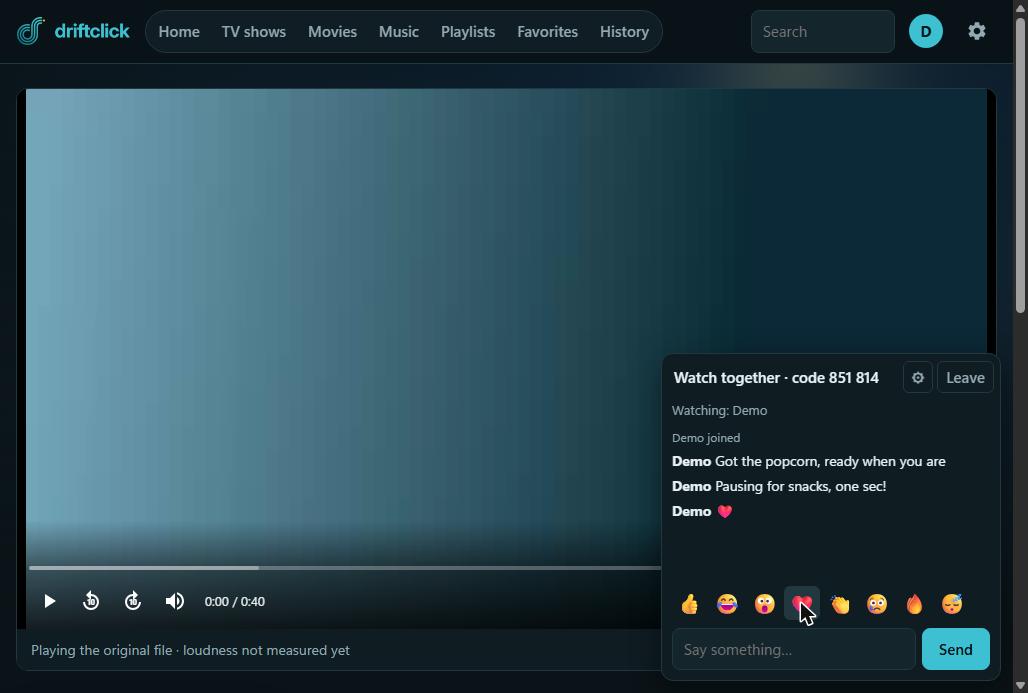
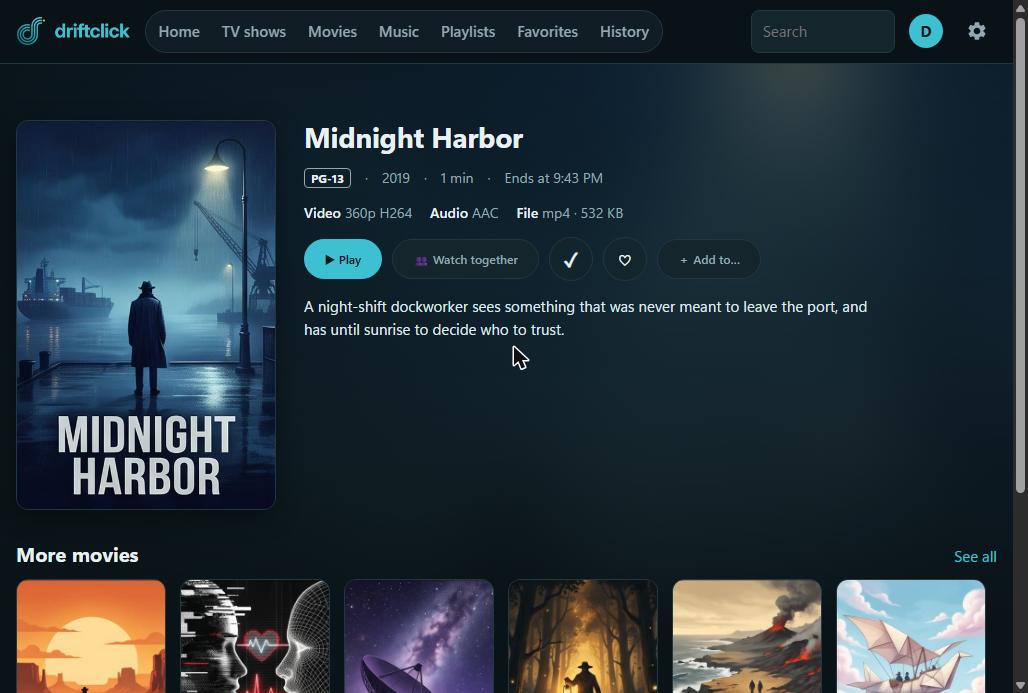
Watch together
Start a show and share it with family in other rooms, in sync, with chat.
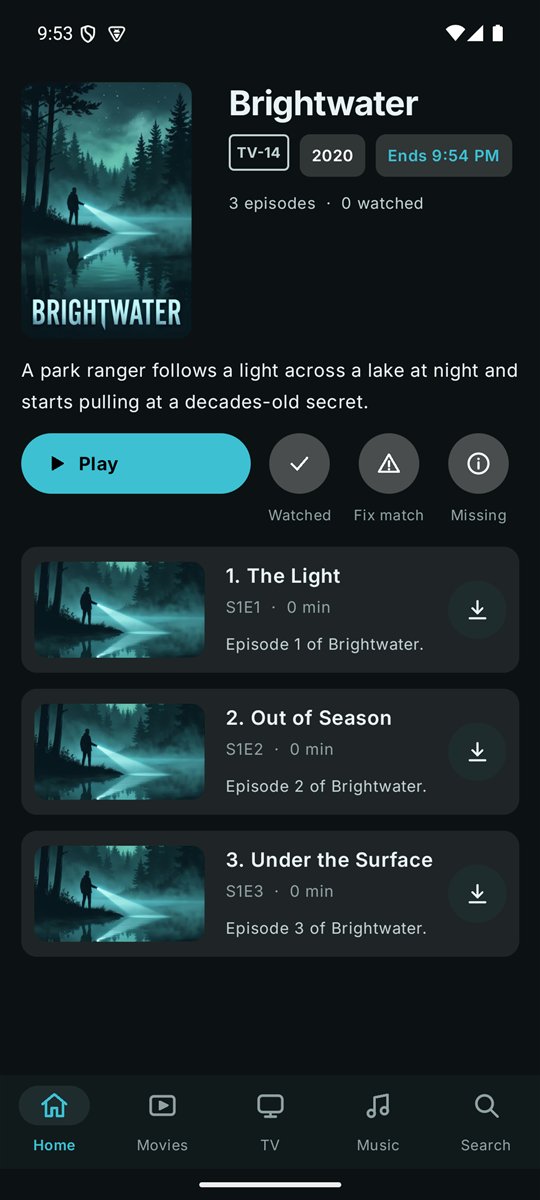
Downloads for offline
Save movies and episodes on your phone to watch without a signal.
Sleep timer and "still watching?"
So nothing plays all night. Each can be turned off.
Pick up where you stopped
On any device, for video, music and audiobooks.
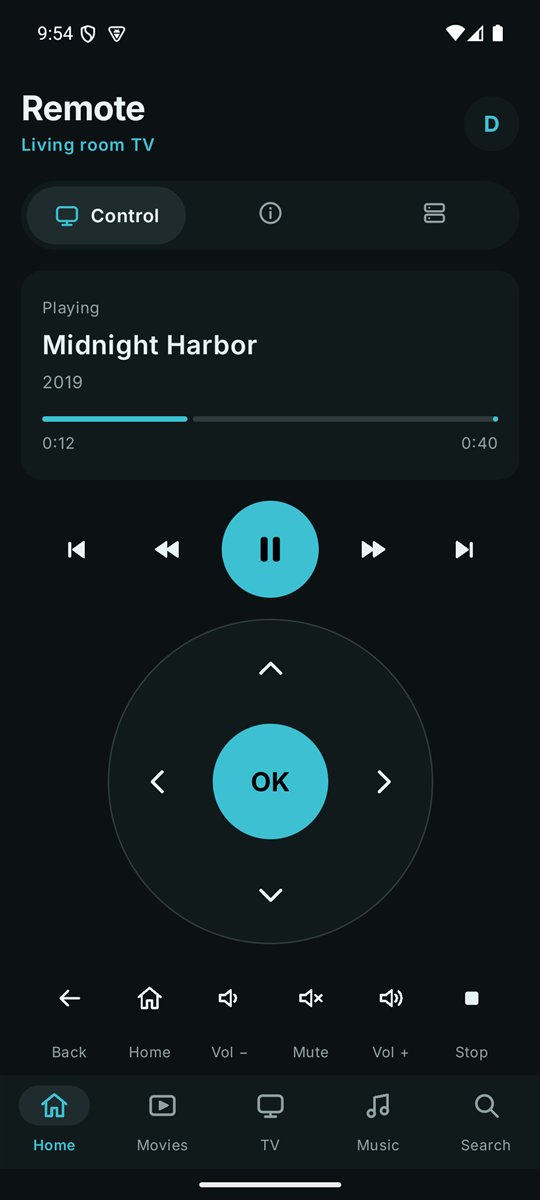
Your phone is the remote
Play, pause, seek, change volume and move around the TV from the phone app, signed in as you.
Family
Accounts for everyone
Own history, favourites and playlists for each person.
Rating limits
Set what each person can watch, such as for the kids.
QR sign-in
Sign in on the TV from your phone, with no typing. Choose how long the device is remembered.
Import from Emby or Jellyfin
Bring users, what each person watched, favourites and library folders. Nothing changes in the old server.
Looking after it
Drive health
Shows each drive's health and free space and warns you before one fails.
Move a library to a new drive
Copies everything, checks it, then switches over without losing history.
Saves disk space
Optionally converts old video to a smaller format overnight, only when nobody is watching, and checks each file before replacing anything.
Backups
Database snapshots, with one-step restore.
Updates
The server and apps tell you when a new version is ready.
Private by design
Your library, accounts and viewing history stay on your computer.